Your video. Your machine. Your subtitles.
Generate, translate and burn in subtitles without uploading your content to anyone's server. Pay once, or monthly if you prefer. Want cloud engines? Bring your own API key.
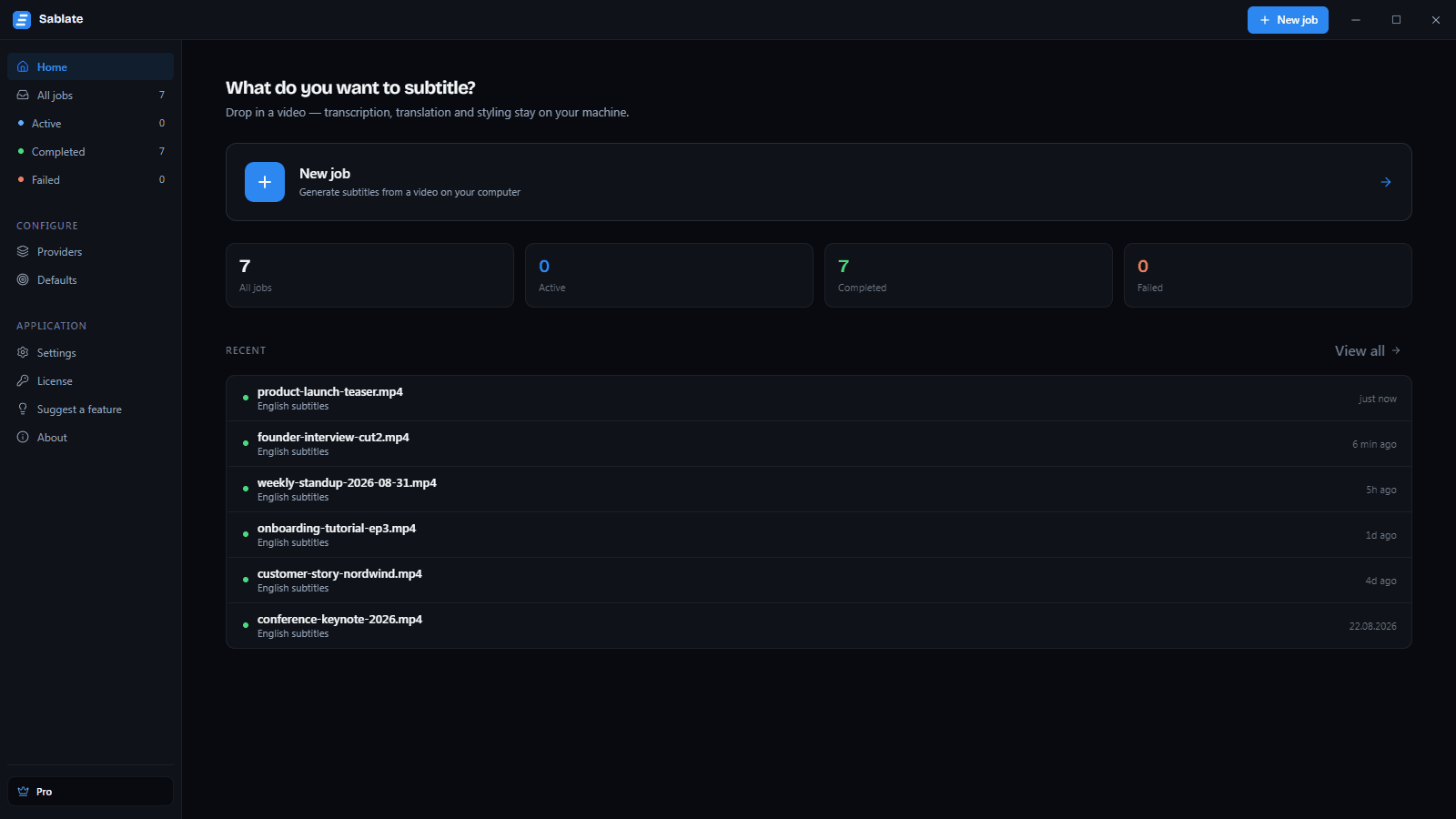
Everything you need to subtitle a video
Transcribe, translate, style and export — all of it on your own hardware.
Your video never leaves your machine
Transcription, translation and rendering all run locally. Your audio and video are only sent anywhere if you deliberately pick a cloud provider — and Sablate says so on screen when you do.
Local transcription
faster-whisper runs on your computer with four quality tiers: Fast, Balanced, Accurate and Best. Pick speed or precision per job.
Automatic GPU acceleration
On Windows, the NVIDIA CUDA runtime is fetched the first time a supported GPU runs a job, and transcription then runs roughly 5–10× faster. Without a supported GPU nothing is downloaded and it falls back to CPU on its own.
Translation as a layer
Add a target language to an existing transcript instead of starting a new job. Argos runs fully offline; DeepL, OpenAI and Claude are there if you bring your own API key.
A real subtitle editor
Video, transcript and style panel side by side. Drag on the timeline to retime, split and merge cues, and watch the reading-speed (CPS) warning as you type.
13 subtitle presets
Hormozi, Beast, TikTok, Karaoke, Cinema and more, ready to apply. Karaoke does a real word-by-word sweep, and Pro can save your own presets.
Burn subtitles into the video
Export an .mp4 with the subtitles rendered in by libass — real typography, exactly the styling you set in the editor, not a flat overlay.
Export where you need it
.srt, .vtt, .txt, plain text straight to your clipboard, or the finished video with subtitles burned in.
Bring existing subtitles
Import an .srt or .vtt you already have and work on it in the editor — retime it, restyle it, or add a translation layer.
Cloud transcription, optional
OpenAI and ElevenLabs are available with your own API key when you want them. Off by default: local is the normal path, cloud is the exception.
Windows and macOS
One .exe installer for Windows, and a .dmg built for your Mac's own chip — Apple Silicon or Intel. Same app, same projects, both platforms.
Pay once and own it
$29 for Pro, once. No renewal, no seat count, no feature that quietly expires. Rather pay as you go? Pro is also $5.99 a month, cancel anytime. The Free tier stays free without an account.
From raw video to finished subtitles in 3 steps
Bring in your video
Drop in the video you want subtitled — Sablate reads it straight off your disk, nothing is uploaded.
Transcribe on your machine
Pick a quality tier and the source language. Whisper runs locally — on your GPU when there is one — and hands you a timed transcript.
Style, translate, export
Fix the text, add a translation layer, apply a preset, then export .srt, .vtt, .txt — or an .mp4 with the subtitles burned in.
Simple, transparent pricing
Free forever for short videos. Pro for $29 once, or $5.99 a month.
Free
Enough to finish a real short video
- Videos up to 10 minutes
- 3 transcription jobs per month
- Fast and Balanced models
- 1 translation layer, Argos offline
- Export .srt, .vtt and .txt with a small Sablate credit line
- Burned-in .mp4 with a small corner mark
- Full editor: text, split/merge, timeline retiming
- GPU acceleration
- All 13 presets to preview
- Unlimited length and transcription jobs
- Accurate and Best models
- An unmarked burn-in, .ass and soft-subtitled .mkv
Pro
Everything, on as many videos as you like
- Unlimited video length and transcription jobs
- Every Whisper model, including Accurate and Best
- Cloud transcription and translation with your own API key
- All export formats, plus subtitles burned into .mp4
- Word-level editing, karaoke sweep and CPS auto-reflow
- Save your own subtitle presets
- Priority support
- Buy Pro once — every Pro update free for life
Frequently asked questions
Ready to subtitle without the cloud?
Download Sablate and take a short video from raw footage to finished subtitles today — no account, no card.